Google has introduced a new tool for image generation called Gemini 2.5 Flash Image, also known as Nano Banana. This is one of Google’s latest innovations in AI-driven creativity. With this tool, you can create high-quality, professional-looking images just by describing them in words.
Whether you want a photorealistic picture, a fantasy illustration, a product mockup, or even a comic panel, Nano Banana can do it all. It is available through the Gemini API, Google AI Studio (for creators and developers), and Vertex AI (for enterprise use).
The pricing is also simple: around $30 per 1 million tokens. Since each image requires about 1290 tokens, one picture costs roughly 4 cents ($0.039) — making it affordable even for large-scale projects.
What Makes Gemini 2.5 Flash Special?
This model is not just a simple text-to-image generator. It has been designed to give creators more control and flexibility. Some of the unique features include:
- Blending multiple images into one composition.
- Keeping character consistency across different scenes.
- Editing images by just describing changes in plain English.
- Real-world knowledge, so the results look believable and accurate.
- Fast and low-cost, making it practical for personal use, creative agencies, and businesses.
In short, Gemini Nano Banana helps you turn your imagination into visuals without needing complex design tools.
Why Writing Prompts Is Important
The Nano Banana (Gemini 2.5 Flash) model is designed to understand natural human language, not just a list of keywords. This means the more clearly you describe your scene, the better the AI will be able to generate the image you want.
Think of writing a prompt as giving directions to a professional photographer, artist, or illustrator. If you only throw a few words at them, you’ll get random, messy results. But if you explain the full scene — who is in it, what they are doing, the background, the lighting, and even the mood — the output will look clean, realistic, and professional.
Example:
- ❌ “dog, park, sunset” → The image might look random or incomplete.
- ✅ “A golden retriever running joyfully through a park during sunset, the sky glowing orange, captured with a wide-angle lens” → Much more realistic and focused.
Also Check: Nano Banana Photoshop Plugin
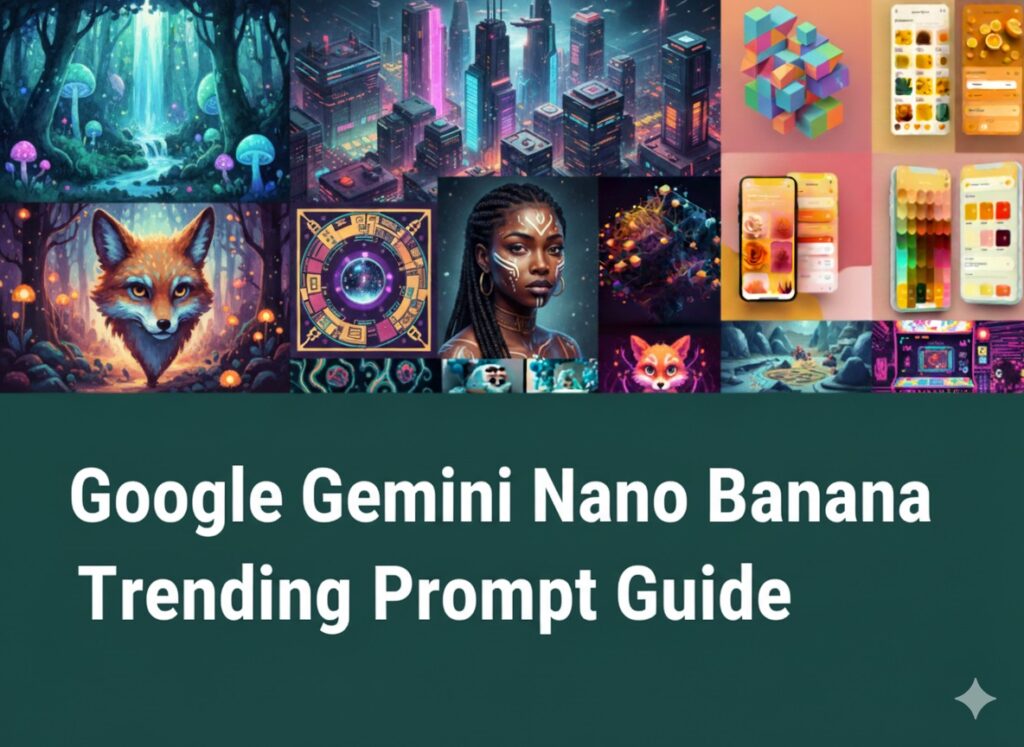
How to Write Effective Prompts
Here are five golden rules that will help you to design strong, effective prompts:
- Be Specific – Don’t just say “a girl” or “a flower.” Instead, describe the details: “A young girl in a red dress, standing in a sunflower field during sunset.”
- Use Descriptive Words – Words like soft, dreamy, vibrant, dark, dramatic add life and atmosphere to your images.
- Choose a Style – Decide whether you want it to look like a photograph, watercolor painting, anime illustration, oil painting, sketch, or 3D render.
- Experiment with Variations – Try the same idea in different ways. Small changes in words can produce very different results.
- Refine & Improve – Look at the first output. If something is missing or feels off, adjust your prompt and try again.
Core Prompting Strategies
Let’s break down some popular styles and how you can prompt for them.
1. Photorealistic Photography
For photo-like results, include camera details such as lens type, lighting, and angle.
Example Prompt:
A realistic portrait of a young boy flying a kite on a windy beach, captured with a 35mm lens. The sunlight is golden and the sand sparkles, creating a cinematic look.
👉 Best for portraits, travel scenes, lifestyle, and ads.
2. Stylized Illustrations & Stickers
When creating illustrations, specify the art style (cartoon, kawaii, anime, 3D) and background preference.
Example Prompt:
A playful cartoon-style sticker of a smiling fox holding a coffee cup, drawn with bold outlines and pastel shades, transparent background.
👉 Best for stickers, branding, mobile apps, and fun visuals.
3. Text in Images
For logos, posters, or banners, always describe the font style, colors, and layout.
Example Prompt:
A modern bakery logo with the words “Sweet Crumbs” in handwritten script, decorated with a cupcake icon. Soft pastel pink and cream color palette, flat design.
👉 Best for social media graphics, posters, company branding.
4. Product Mockups
To create professional product visuals, describe the studio setting, background, and lighting setup.
Example Prompt:
A minimal studio photo of a matte black water bottle on a reflective surface. Bright white background, softbox lighting, photographed at a 45° angle.
👉 Best for e-commerce stores, catalogs, and ad campaigns.
5. Minimalist & Negative Space Designs
Minimalist prompts keep the image simple and leave space for text or branding overlays.
Example Prompt:
A single sunflower in a small vase, placed on a white table with a plain background. Soft natural daylight, wide composition with lots of empty space around the flower.
👉 Best for presentations, posters, and advertising layouts.
6. Sequential Art (Comics & Storyboards)
When making comics or storyboards, include characters, actions, background, and dialogue.
Example Prompt:
A black-and-white comic panel showing a knight standing in the rain, holding a sword. In the background, a castle looms under thunderclouds. Dialogue box: “The battle begins tonight.”
👉 Best for comics, animations, and creative storytelling.
Editing with Nano Banana
Google Nano Banana isn’t just for making new pictures. It can edit existing images too, almost like Photoshop with words.
- Add or Remove Objects: “Add a red scarf around the woman’s neck.”
- Inpainting: “Replace the wooden chair with a modern metal chair, keep everything else the same.”
- Style Transfer: “Transform this portrait into a watercolor painting style.”
- Combine Images: “Take the glasses from Image 1 and place them on the man in Image 2.”
This flexibility makes it a powerful tool for designers, marketers, and content creators.
50+ Fresh Prompt Ideas
To get you started, here are some ready-to-use prompt ideas across different categories:
🌄 Landscapes
- A calm river flowing through a valley with cherry blossom trees, morning mist rising.
- A desert canyon with glowing red rocks under a star-filled night sky.
- A tropical island with crystal blue waters and coconut trees swaying in the breeze.
- A snowy forest with pine trees covered in frost, sunlight shining through.
- A futuristic floating city above the clouds, glowing with neon lights.
👤 Portraits
- A young woman in traditional Indian attire, smiling under a decorated canopy.
- An old fisherman with a rugged face, holding a lantern by the sea at dusk.
- A child blowing soap bubbles in a garden, bright and joyful atmosphere.
- A futuristic android with silver skin and glowing blue eyes.
- A medieval queen sitting on a golden throne, wearing an emerald crown.
🍷 Objects & Still Life
- A basket filled with fresh fruits and flowers placed on a rustic wooden table.
- An antique compass with bronze details resting on an old map.
- A steaming teapot with cups arranged neatly on a tray, cozy mood.
- A crystal perfume bottle glowing under soft light.
- A violin placed on sheet music with gentle shadows falling across it.
🎨 Abstract & Artistic
- A swirling galaxy made of vibrant paint strokes on a dark canvas.
- A dreamlike landscape with floating stairs leading to the moon.
- A soft pastel painting of autumn leaves drifting in the wind.
- A mosaic pattern with tiny glowing tiles forming a mandala.
- A digital artwork of a city dissolving into colorful geometric shapes.
👾 Character Design
- A cheerful robot chef holding a frying pan, cartoon-style.
- A superhero with wings made of golden flames, powerful stance.
- A mystical forest spirit with glowing antlers and flowing robes.
- An anime-style schoolgirl with purple hair and a sketchbook in hand.
- A pirate zombie with a torn hat, wooden leg, and eerie glowing eyes.
Final Thoughts
Google’s Gemini Nano Banana (2.5 Flash) is more than just an image generator — it’s a creative partner. The difference between a blurry, random picture and a polished masterpiece lies in how well you write your prompt.
By being clear, descriptive, and intentional, you can create everything from realistic photos to fantasy art, product mockups, and even comic panels.